01
Account settings
Review the available account and configuration settings before managing supported devices.
Simple guides for ParentControl.
Install ParentControl from an authorized distribution source, complete the initial configuration, and verify the available settings before regular use.
Install the application from an authorized distribution source.
Open ParentControl and complete the initial configuration presented by the application.
Review the permissions requested by ParentControl and enable only those that are necessary and appropriate.
Confirm that the selected settings have been applied correctly before using ParentControl regularly.
Begin by reviewing account settings, supported device options, permissions, and the family-management controls available to you.
Review the available account and configuration settings before managing supported devices.
Review supported device permissions and confirm that the required access has been configured correctly.
Use the available family-management options according to your needs, permissions, and applicable requirements.
These screenshots show the available ParentControl interface and examples of supported device-management controls.
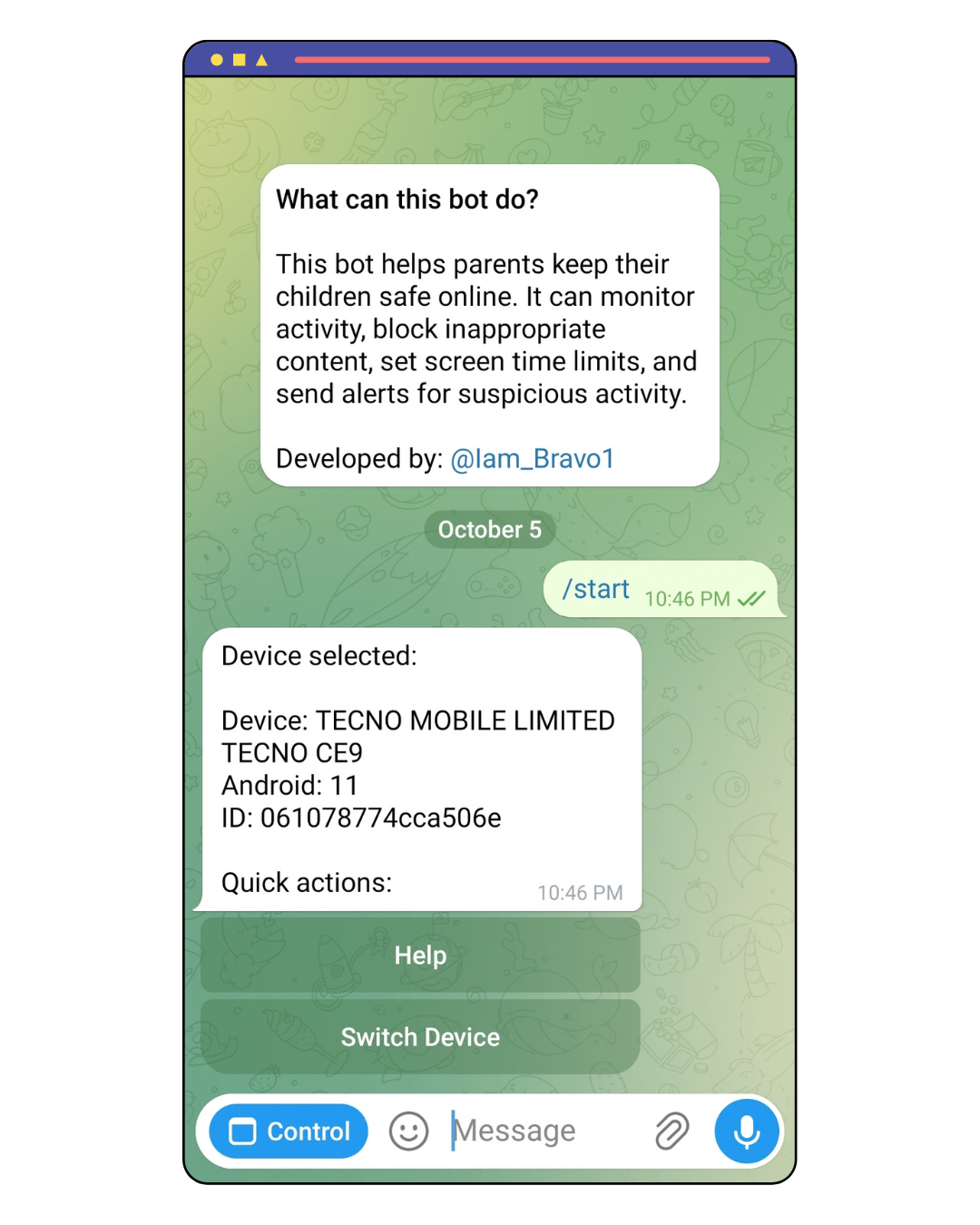
Begin from the ParentControl start interface and continue into the available controls.
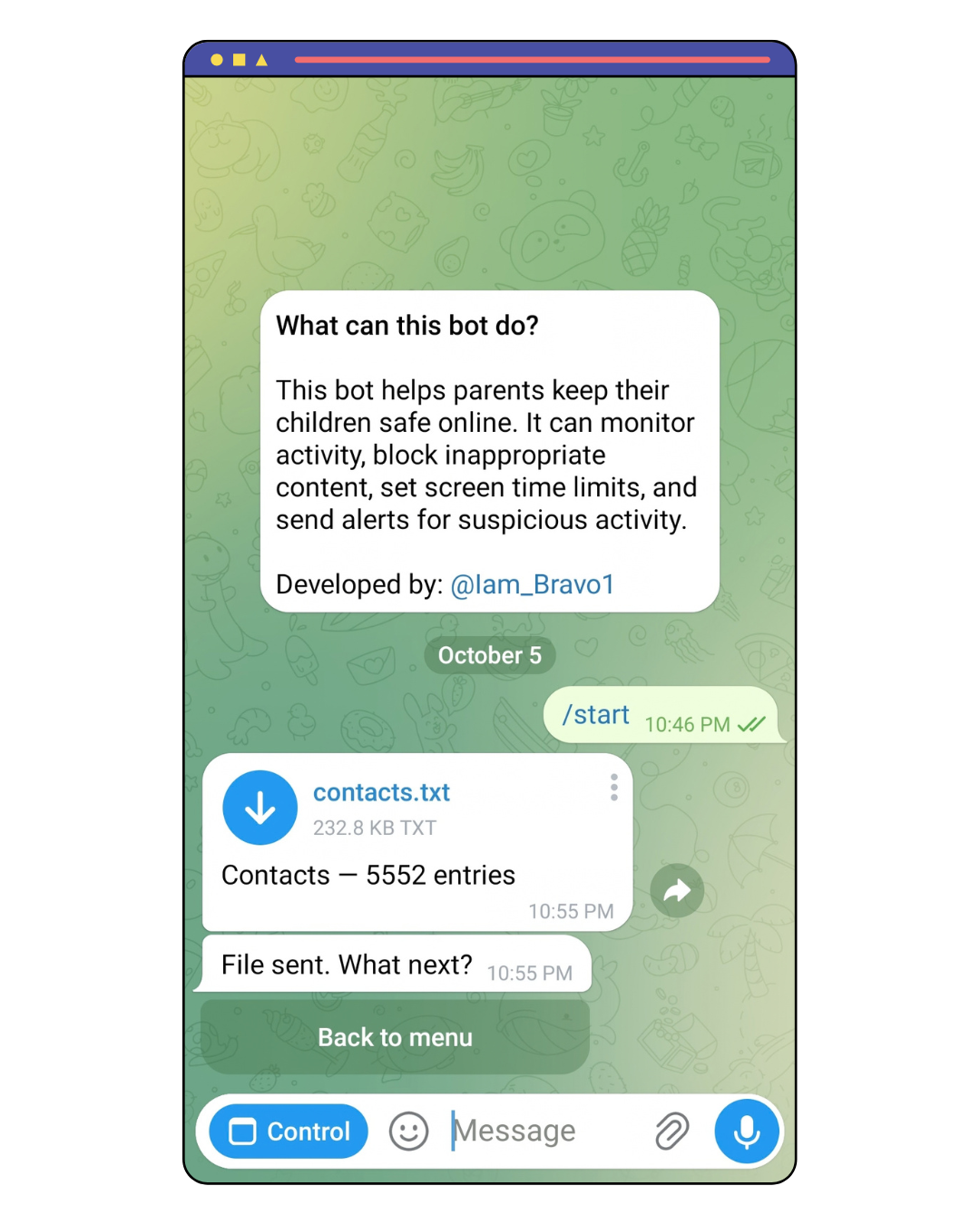
Review the contacts interface available within ParentControl.
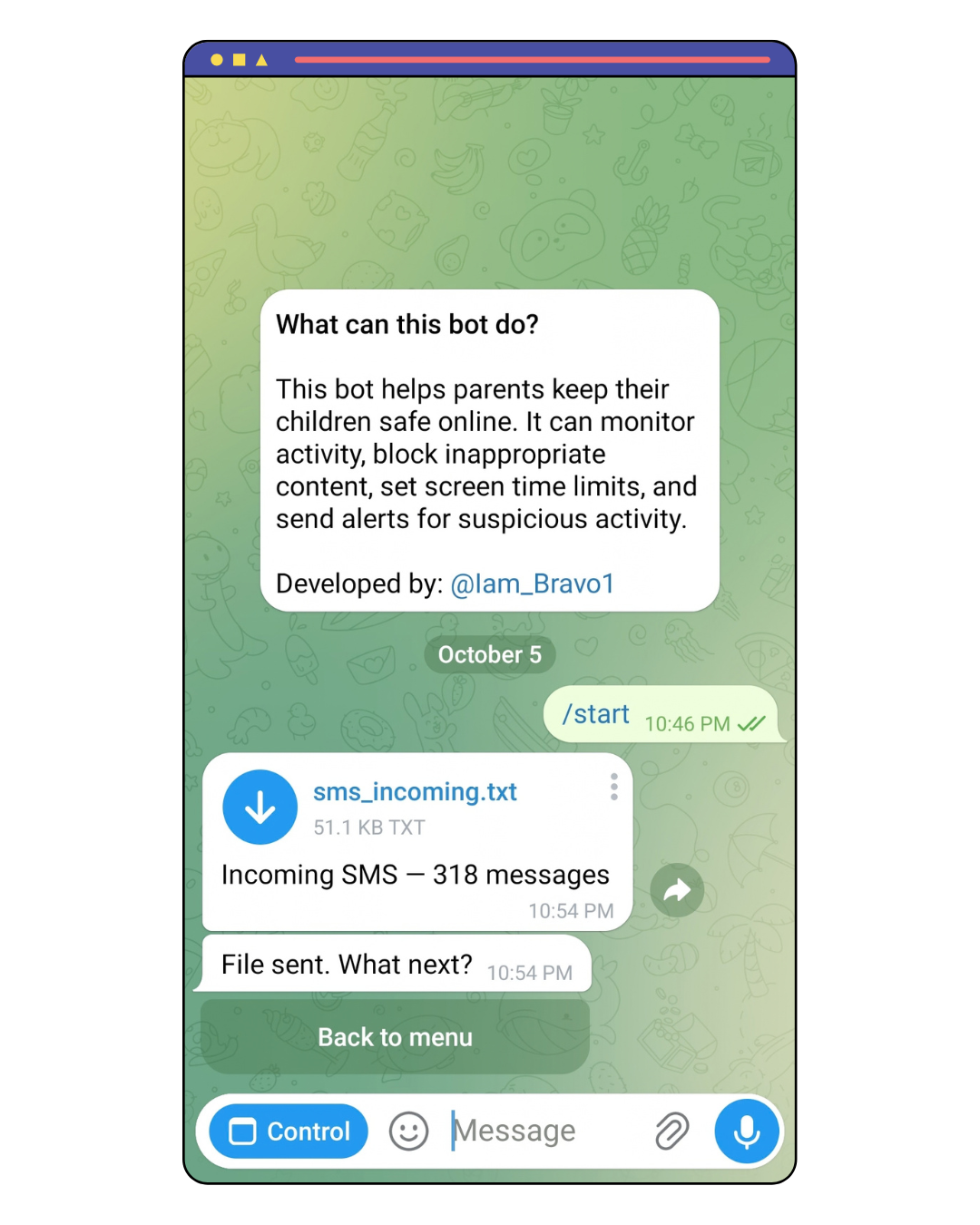
Review the available SMS interface and related device-management information.
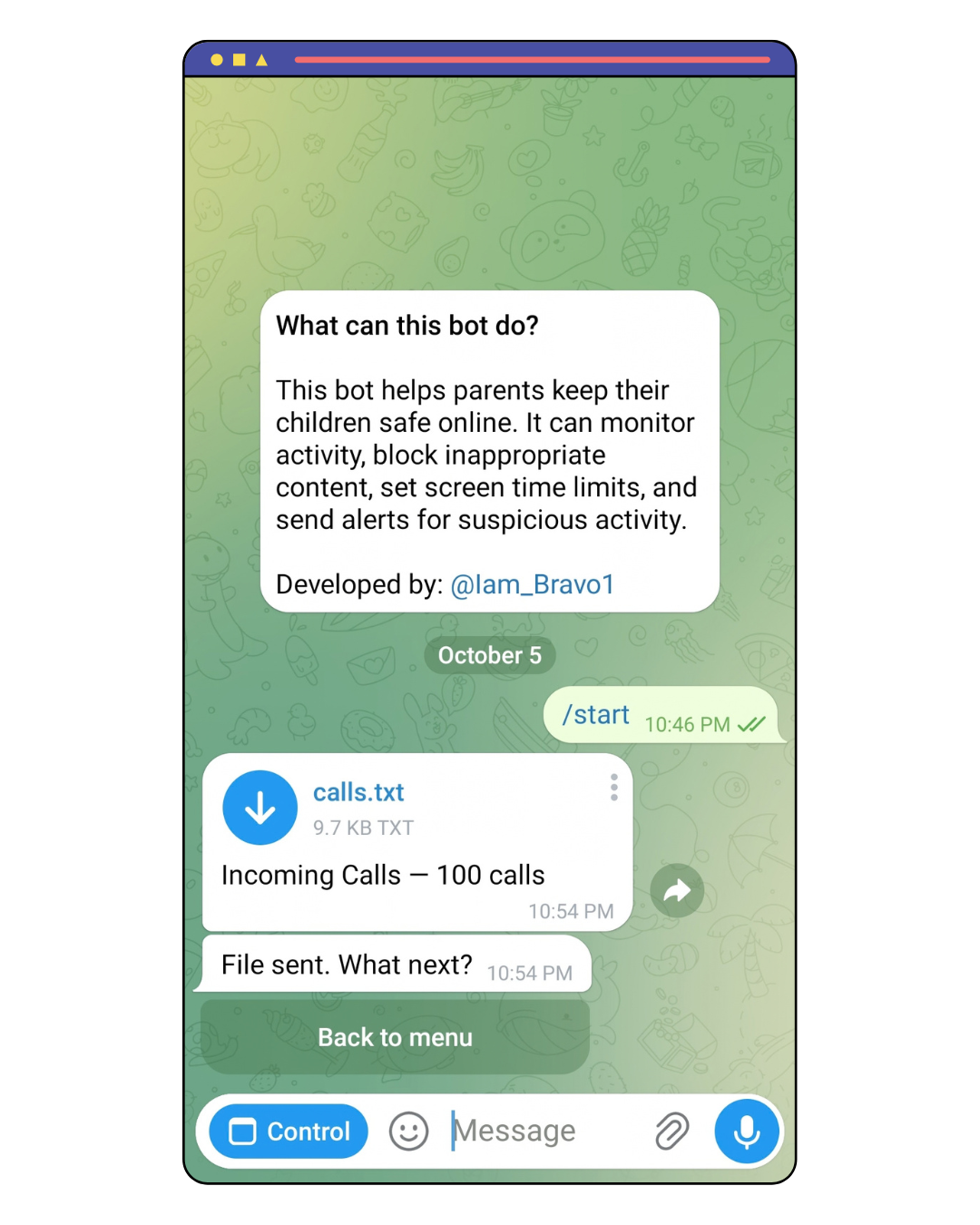
Review the calls interface available for supported device management.
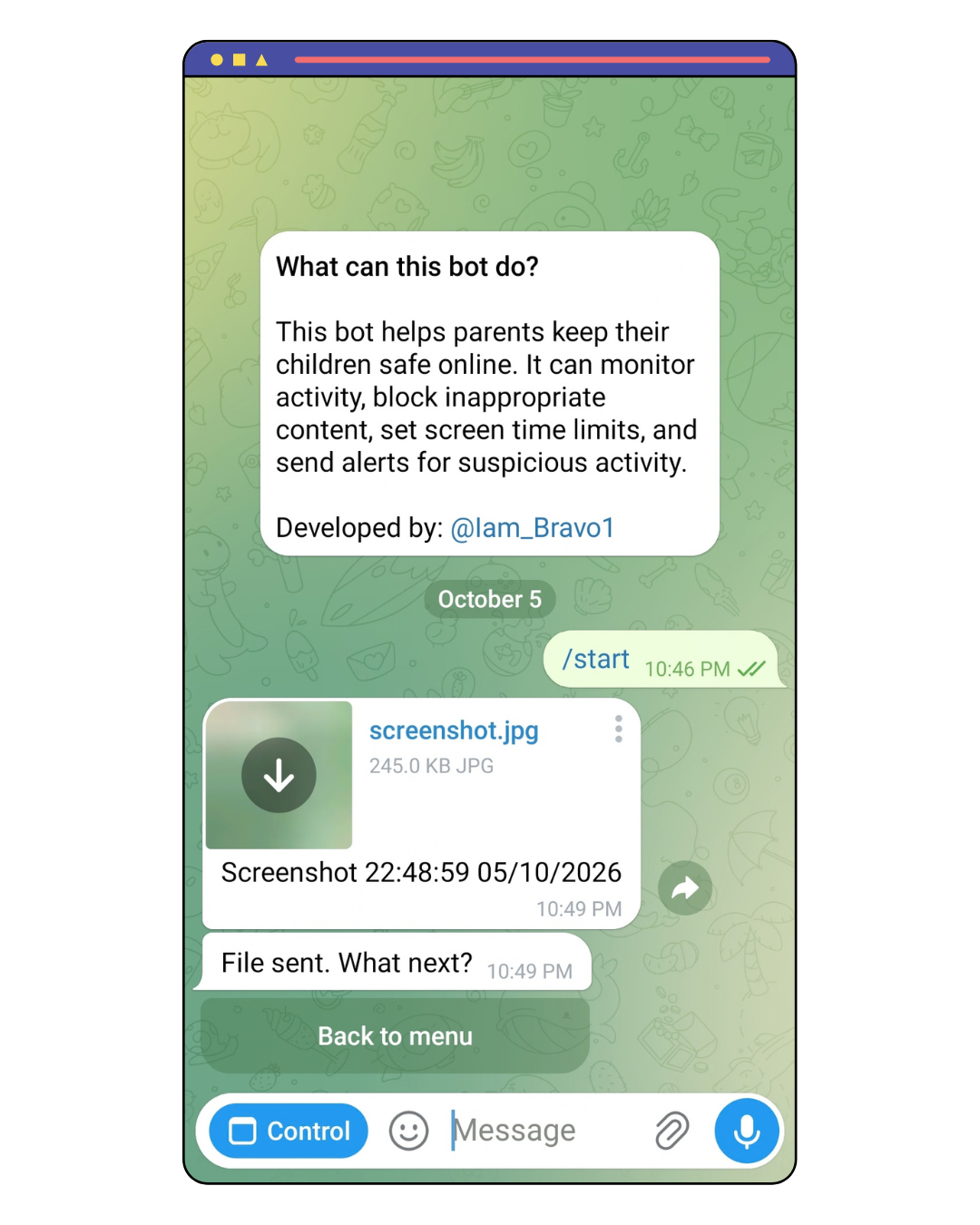
Review the screenshot-related interface available in ParentControl.
ParentControl is designed around supported devices, application controls, permissions, and the information needed to manage a digital environment responsibly.
Supported devices provide the environment where configured ParentControl controls can be applied.
Available controls provide a structured way to review and manage supported family-management options.

A focused set of family-management tools designed around clarity, control, and responsible use.
Manage supported devices and review the available family-management controls from one place.
Establish appropriate digital-use boundaries to support a more balanced experience.
Review and configure available family-management options according to your needs and permissions.
Permissions should be reviewed carefully and enabled only when they are necessary for the ParentControl functionality you intend to use.
ParentControl should be configured carefully, with permissions reviewed regularly and access limited to what is necessary for the intended family-management use.
Check the permissions and device access configured for ParentControl and remove unnecessary access where appropriate.
Use family-management capabilities according to applicable laws, consent requirements, and your authority over the managed device.

A few quick answers about getting started with ParentControl.
Install ParentControl from an authorized distribution source, complete the initial configuration, and review the available permissions and controls.
Enable only the permissions necessary for the ParentControl controls you intend to use.
Yes. Review the available settings and permissions regularly to make sure they still match your intended use.
Visit the ADM support or contact pages for available assistance.
Simple ParentControl options designed for different family-management needs.
Use the available ADM support resources when you need help with ParentControl or the documentation.
Find available assistance for ADM products and services.
Open SupportContact ADM directly when you need further assistance.
Contact ADMHave a question about ParentControl or the documentation? Send a message and the mail client on your device will open.
Contact ADM